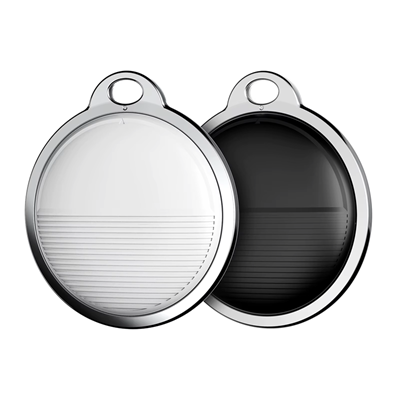
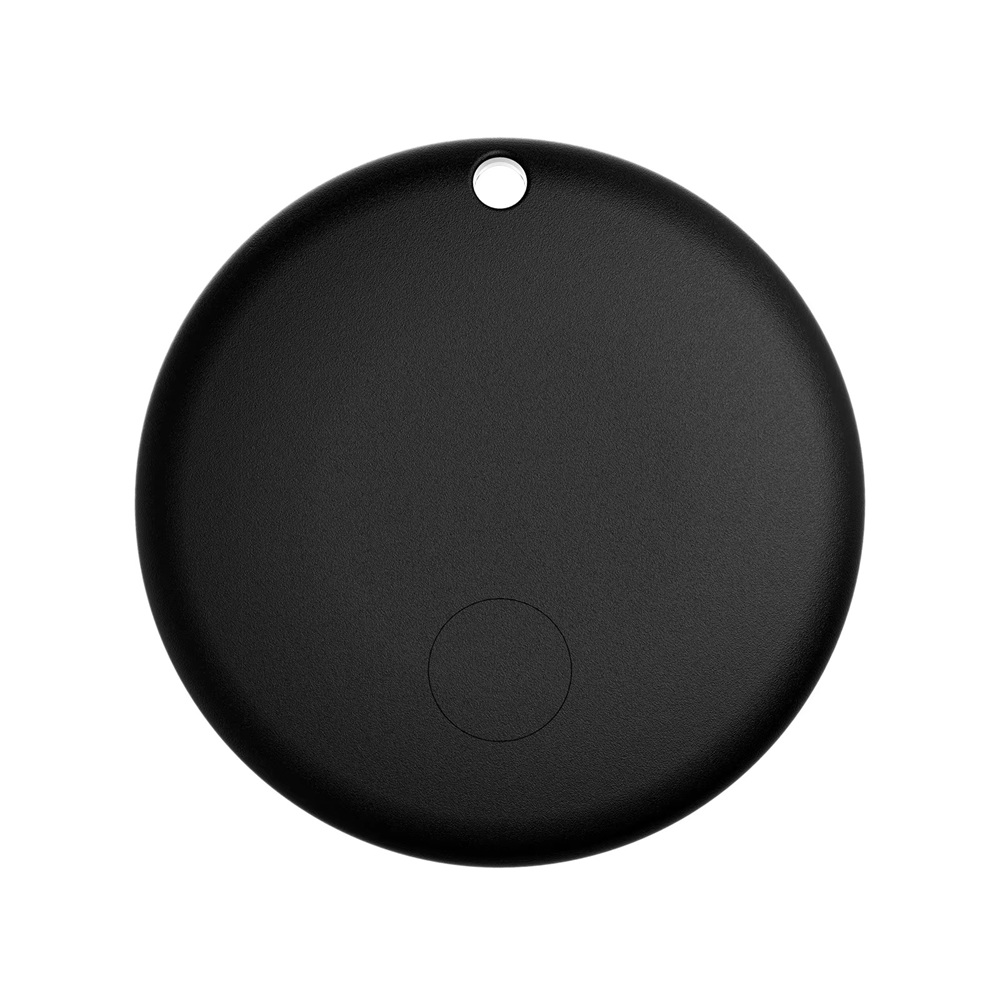
The Mini GPS Tracker is an Apple-authorized anti-loss device that leverages Apple U1 chip technology and works exclusively with the Find My app. Designed for precise worldwide tracking with no distance limits, this device ensures that your valuable items are always within reach.
Apple Ecosystem Integration: Works seamlessly with iPhone, iPad, and Mac.
Real-Time Tracking: Updates location instantly when near Apple devices.
Global Tracking: No distance limits as long as an Apple device is within 10–50 meters.
Secure Bluetooth Signal: Updates location every 2 seconds via Apple iCloud.
Free to Use: No subscription fees—fully functional with Apple's Find My network.
Designed for Various Scenarios: Track pets, elderly family members, children, valuables, wallets, bicycles, luggage, cars, and more.
Features
IP67 Water Resistance: Protected against dust and temporary water immersion (up to 1 meter for 30 minutes).
Cold Weather Performance: While not officially rated for extreme cold, similar Apple-certified accessories typically operate down to –20°C (–4°F).
Snow & Ice Use: Handles light snow and moisture. Avoid direct exposure to ice buildup or freezing wind. Use a protective case or keep insulated for best results.
Setup & Installation
Pairing with Apple Find My
Enable Bluetooth and location services on your iOS device.
Open the Find My app and select "Add Item".
Follow the on-screen instructions to connect your tracker.
Assign a name and category for easy identification.
Tracking & Usage
Real-Time Updates: If an Apple device is nearby, location updates occur instantly.
Location Refresh Rate: If no device is nearby, updates happen at 5–15 minute intervals.
Privacy & Sharing: Share access with friends or family within the Find My app.
Optimal Tracking Regions: Works best in urban areas or places with many Apple devices.
Sound Alerts: Activate sound locator via Find My to track nearby items.
How it works
This tracker does not have a built-in GPS chip. Instead, it uses
your phone (or another nearby phone) to determine its location.
How does the tracker find its location without GPS?
The tracker broadcasts a Bluetooth signal with its ID.
A nearby Android or iPhone detects the tracker.
The phone calculates its own location using GPS, Wi‑Fi, and
mobile networks.
The phone sends that location to our server, and the app shows the tracker at
that position on the map.
Important limitations
No nearby phone = no location update. The tracker cannot
report its position by itself.
Location accuracy depends on the phone. If the phone’s GPS or
location services are disabled, the position may be less precise or unavailable.
The tracker is designed as a Bluetooth “find my item” tag,
not a standalone GPS tracker.
Summary
The tracker does not know its own location. It relies on nearby Android and iPhone
devices to detect it and share their location so the app can show where the tracker is.
Troubleshooting
Common Issues & Solutions
Location not updating? Ensure you're in an area with active Apple devices.
Tracker not connecting? Restart Bluetooth or refresh the Find My app.
Sound alert not working? Increase volume settings or replace the battery.
FAQs
General Questions
Does this tracker work worldwide? Yes, as long as Apple devices are nearby.
Is a subscription required? No, it's free to use via Apple's Find My network.
Why is my tracker location inaccurate? It may take 5–15 minutes to refresh when Apple devices are sparse.
What’s the battery life?One year under normal usage.
Does this work in remote areas? It’s optimized for urban environments where Apple devices are abundant.
Can I share the tracker? Yes, just ensure the other user’s settings match yours.
Setup & Demo Videos
Bluetooth & Car Tracking
Why does the tracker disconnect when I turn off Bluetooth or walk away? That’s expected. Bluetooth is only used for short-range alerts — like finding the tracker nearby. When Bluetooth is off or out of range, it won’t auto-reconnect. You’ll need to manually pair it again through the app.
Can I still track my car if Bluetooth is disconnected? Yes. GPS tracking works independently of Bluetooth. Even if Bluetooth disconnects, the tracker still updates its location using network signals. Just open the app to view the latest location.
Do I need to use the keychain part? No — that’s optional. The main tracker works on its own. You can hide it anywhere in your car: glove box, under a seat, center console, etc.
What’s the best way to use it for car tracking? Keep Bluetooth on for smoother app pairing, but rely on GPS for actual location updates. Place the tracker securely inside the vehicle and check the app when needed.
Legal & Ethical Use
Can I use this tracker to monitor someone without their consent?
No. This tracker is intended for lawful and ethical use only. It is designed to help users locate their own belongings, pets, vehicles, or loved ones with consent.
Unauthorized tracking of individuals without their knowledge or permission is strictly prohibited and may violate privacy laws. Misuse of this device for stalking, surveillance, or any illegal activity can result in serious legal consequences.
By purchasing or using this product, you agree to comply with all applicable local, provincial, and federal laws. Digital-Devices-CA does not condone or support any form of unlawful tracking.
If you have questions about responsible use, please contact us at support@digitaldevices.ca.
Privacy & Safety
Can iPhone trackers notify Android Phones — and vice versa?
Yes. Thanks to a joint initiative between Google and Apple, both Android and iPhone devices can detect unknown Bluetooth trackers — even if they’re from the other platform.
Android phones can detect Apple AirTags and other trackers that follow the new industry standard.
iPhones can detect Android-compatible trackers like Pebblebee and Chipolo if they support the same standard.
If a tracker is moving with someone and isn’t paired to their device, their phone will alert them automatically.
These alerts include a notification, sound activation, and a map showing where the tracker has been traveling with the person. This helps prevent misuse and reinforces responsible tracking.
To enable alerts on iPhone: Go to Settings > Notifications > Tracking Notifications and toggle Allow Notifications on. Bluetooth must be enabled.
Support
For additional assistance, contact us at: support@digitaldevices.ca